
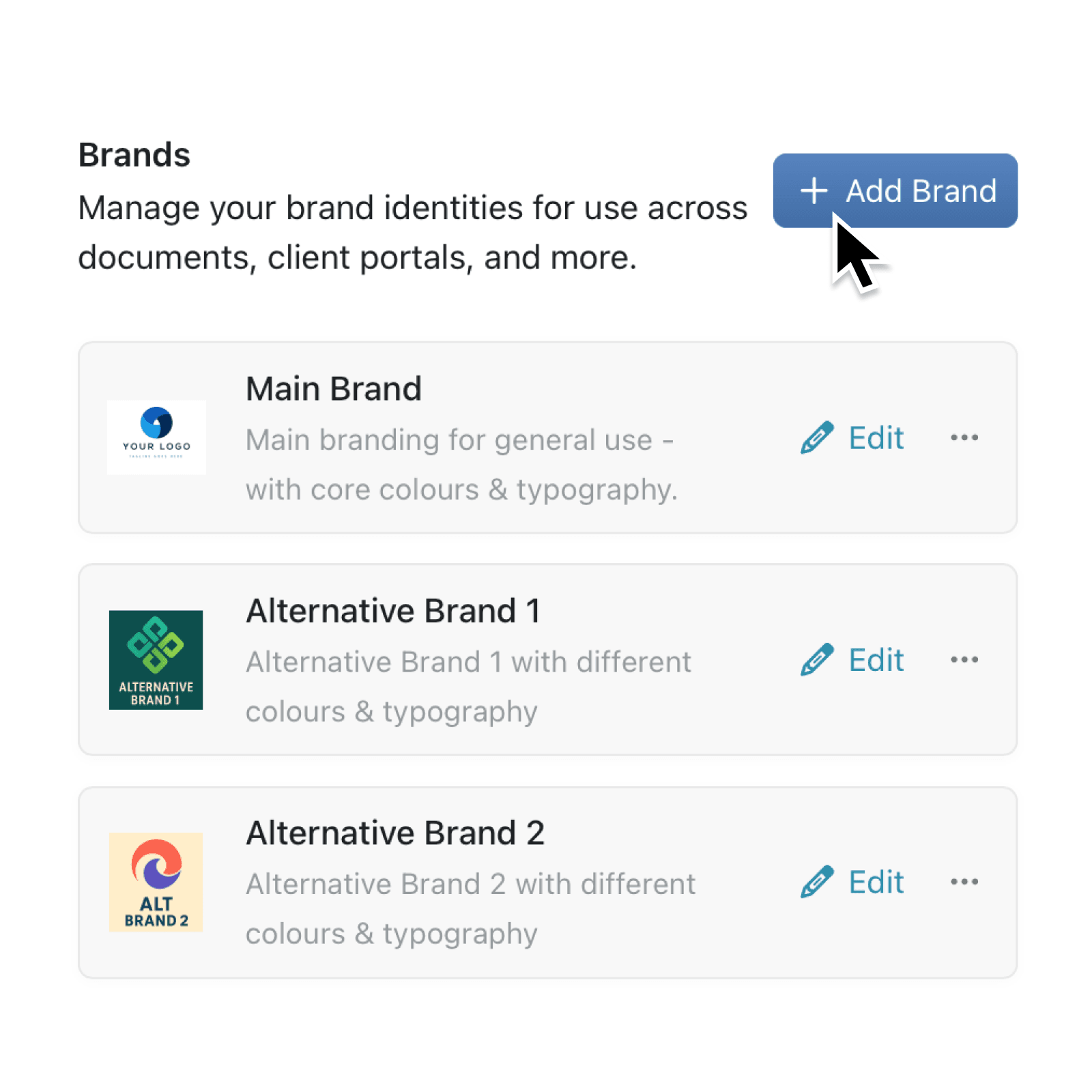
Need to juggle more than one brand? You can now create, edit, and switch between brand identities in seconds—keeping every portal, report, and record perfectly on-brand.
With the new multiple brand management suite you can control logos, colours, and typography from a single hub, assign brands to records with the Brand field, and preview results instantly.
It’s built for agencies, multi-division companies, and anyone who serves different audiences from one workspace.
Why it matters:
- Stay on-brand automatically – Portals, dashboards, and emails inherit the correct logo and colour palette.
- Save set-up time – Duplicate a brand, tweak the palette, and launch a new client portal in minutes.
- See branding at a glance – New colour swatches and logo chips in tables make it clear which records belong to which brand.
How it works:
- Open Settings → Brand Guide to see the new Brands list.
- Click Add Brand to upload a logo, pick colours, and set fonts in the dedicated editor.
- Use the brand switcher in the toolbar to swap the active style, or add a Brand field to any collection to tag individual records.
When to use it:
- Customer Relationship Managers when you run multiple customer portals and each client expects their own branding.
- Product Family Managers when your company has sub-brands or product lines that need distinct visual identities.
- Portfolio Managers who manage multiple complimentary brands.
Try it now in Kinabase → Settings → Brand Guide.
Have feedback? Email support@kinabase.com — we’re listening.