
Creating document templates that need different images for each record has always been a challenge. Whether you're producing certificates with photos, product catalogues with item images, or ID cards for team members, you've had to generate documents one at a time or manually swap images after the fact.
What's New:
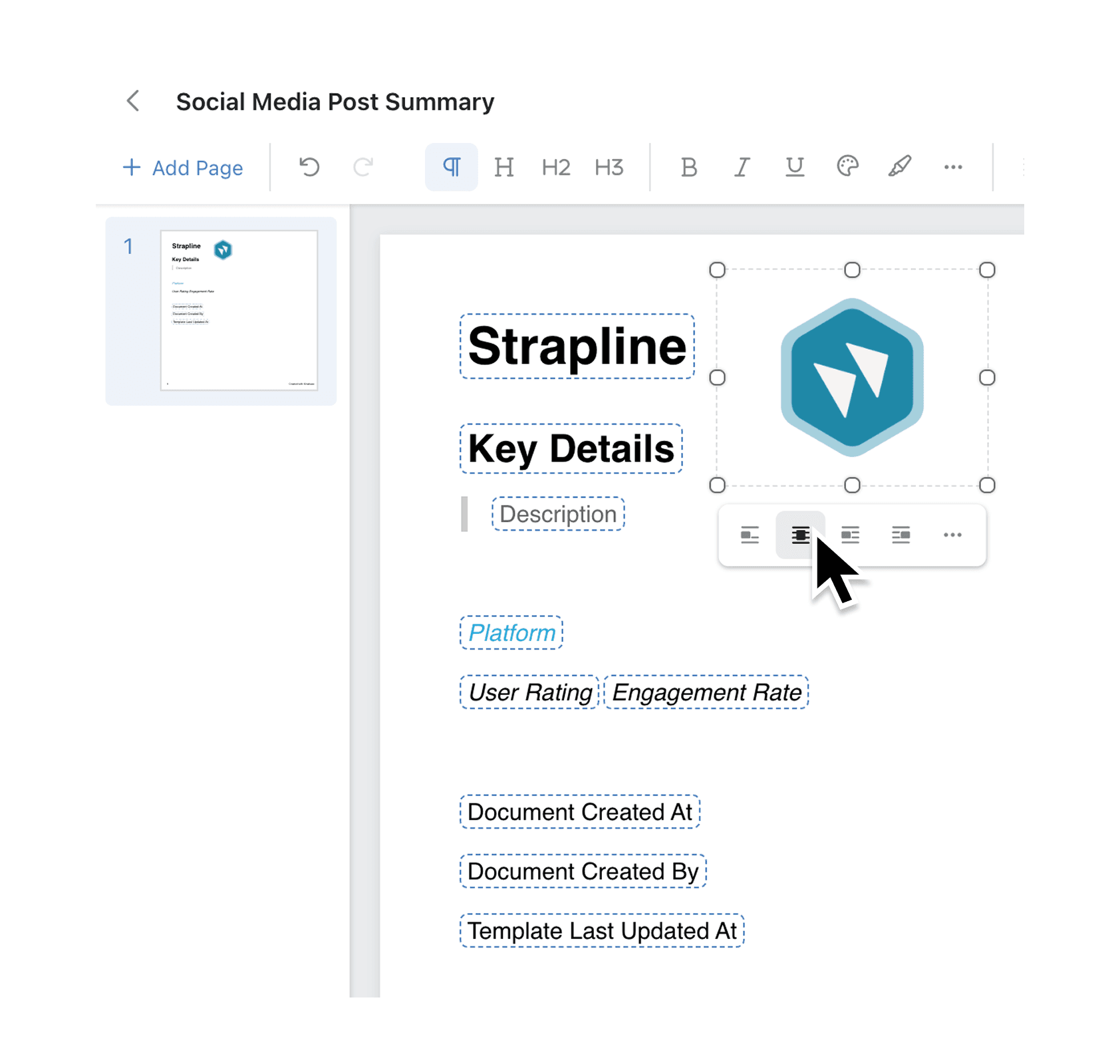
The document editor now lets you insert images that automatically pull from the current record's image field. From the toolbar's Insert menu, click Image to open the Insert Image dialog. Select Current Record from the left panel and choose which image field to use. The document displays a placeholder in the editor, but when you generate documents, each record's own image appears in its place. This works seamlessly with bulk printing, so you can generate hundreds of personalised documents in one go.
Why it matters:
- Automate personalised documents by letting each generated document pull in the correct image without manual intervention
- Save hours on bulk operations since templates now handle image variation automatically across all records
- Maintain visual consistency with placeholders in the editor that clearly indicate where record images will appear
- Reduce errors by eliminating the need to manually match images to records after document generation
How it works:
- Open your document template in the document editor
- Click the plus (+) icon in the toolbar to open the Insert menu, then select Image
- In the Insert Image dialog, select Current Record from the left panel
- Choose which image field from your collection should populate the image
- Position and resize the placeholder as needed — when you generate documents, each record's image will appear at that location
Note: The collection your document template is linked to must have at least one image field configured. Image fields are file fields with the type set to Image.
When to use it:
- HR teams can create employee ID cards where each card automatically shows the correct staff photo from the employee record
- Operations managers can generate equipment inspection reports with photos of each asset pulled directly from the asset register
- Sales teams can produce personalised product sheets or catalogues where each page displays the relevant product images from the inventory collection
Add dynamic images to your templates
Ready to try it? Open any document template linked to a collection with image fields and insert a record image today.
Try it now in Kinabase → Documents → Templates → Insert Image
If you have questions or feedback, we would love to hear from you. Email support@kinabase.com — we’re listening.