Give your team and your clients the right view of your data.
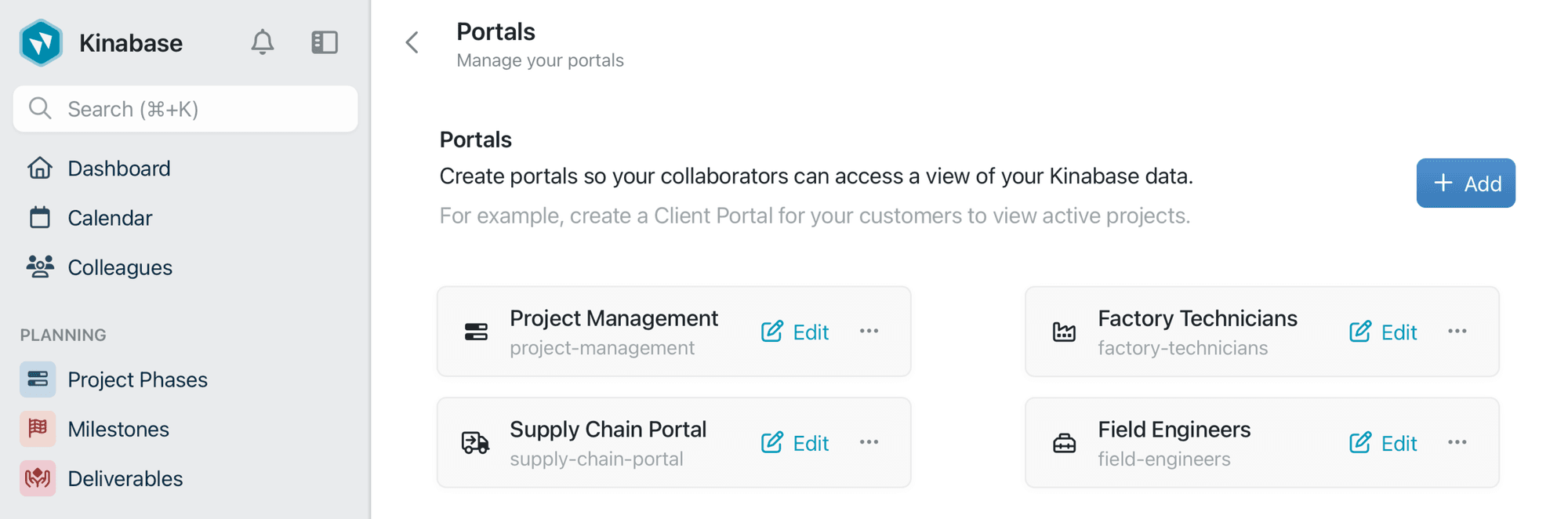
One platform, two audiences
Internal portals for your team
Give field teams, warehouse staff, and remote workers a focused place to view jobs, complete forms, and update records on the go.
External portals for clients and partners
Let clients, suppliers, and partners sign in with their email to check progress, download documents, and complete actions online.
How portals connect your team and your clients
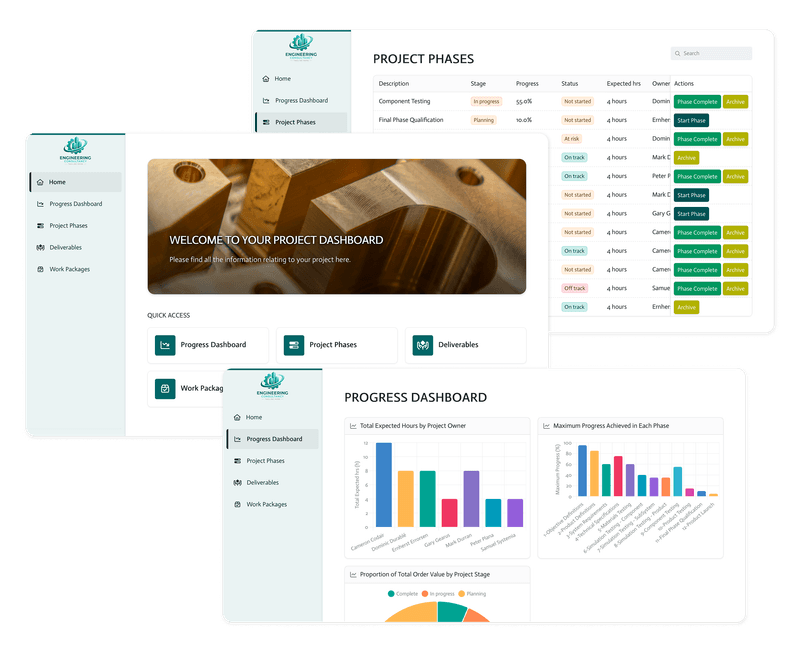
Use one set of data behind two tailored portals: one for your team to collect and manage information, and one for external users to see the updates that matter to them.
View and collect data on-site
Share the right view
Keep everyone on the same page
Portals let you...
Collect data in the field
Keep clients informed
Control what people see
Simplify client access
Trigger actions from the portal
Brand the experience
Internal portals for field teams
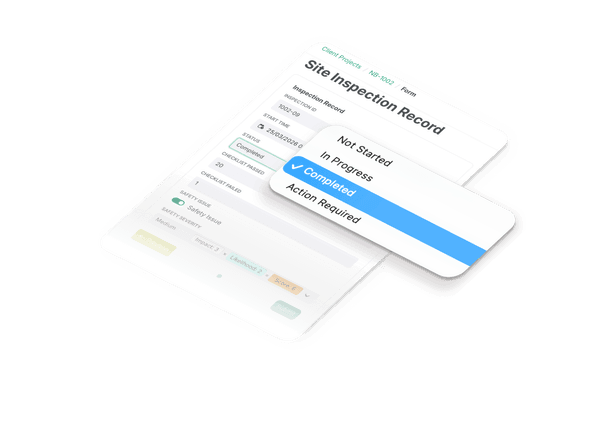
Mobile-ready forms
Engineers can complete inspection checklists, log site visits, and capture notes directly from a tablet or phone.
The right view for each team
Give each role a portal that fits their work, so engineers see job sheets and warehouse staff see stock and deliveries.
Flexible portal interface
Build and adjust portal screens yourself, with no app development work or redownloads required.
External portals for clients and partners
Give clients, suppliers, and partners a secure place to check progress, download documents, and complete actions online.
Client portals
Let clients check project progress, see inspection results, approve work, and download reports from one branded portal.
Supplier portals
Give suppliers a simple way to view purchase orders, confirm delivery dates, and submit invoices without entering your full system.
Partner access
Share the stock levels, project details, or documents a partner needs, while keeping the rest of your data private.
Forms and sign-offs
Collect requests, feedback, signatures, and updates through forms that send information straight back into Kinabase.