
Choosing a random record from a list can be surprisingly awkward. Whether you're picking a winner from competition entries, selecting a team member for a task, or sampling data for quality checks, scrolling through records and trying to pick "fairly" wastes time and feels arbitrary.
What's new
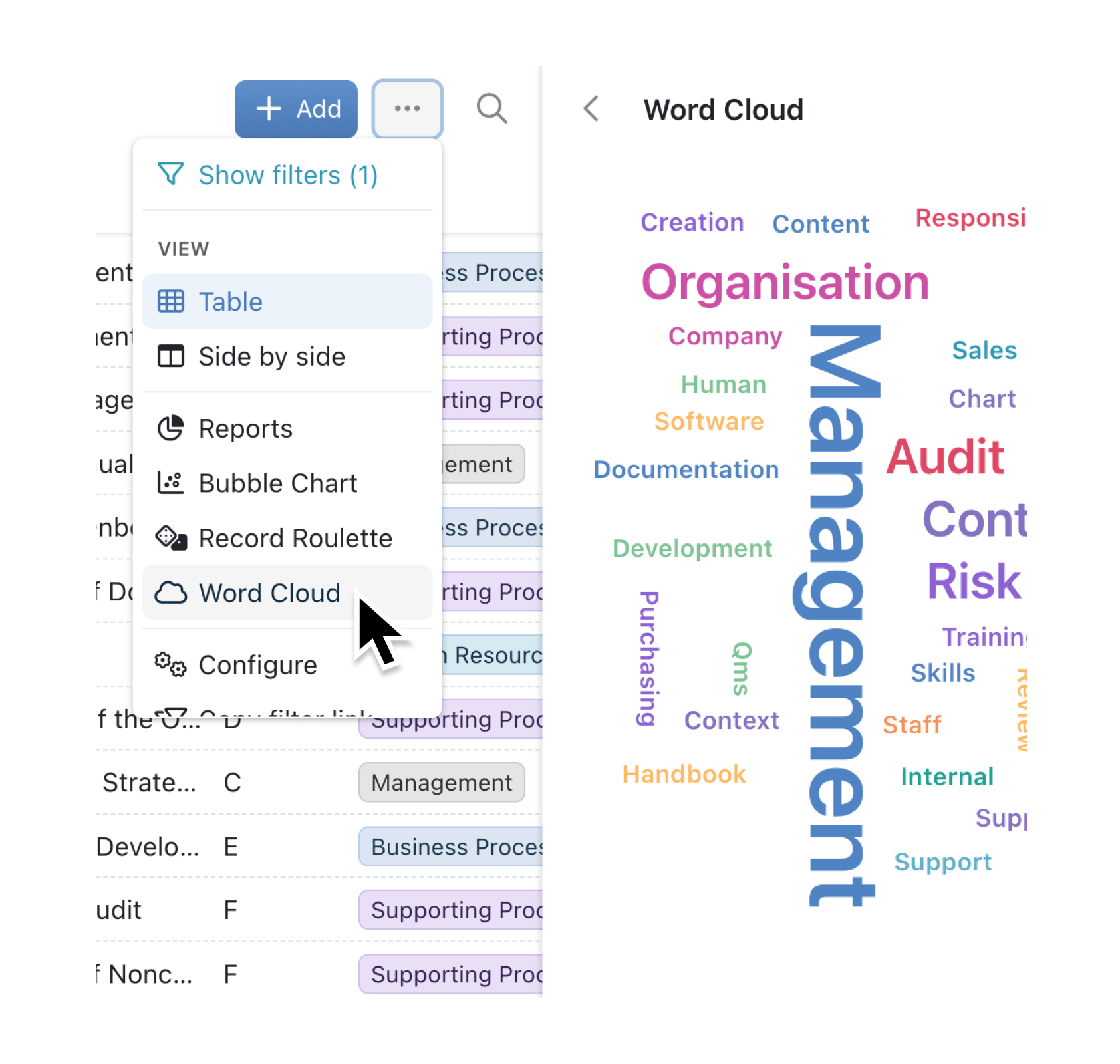
Collection tools bring interactive visualisation features directly into your data views. We're launching with two tools: Record Roulette for random selection with a satisfying spin animation and celebratory confetti, and Word Cloud for visualising text and category data. Both tools are available from any collection and can be customised to match your needs.
Why it matters
- Pick records randomly and fairly with Record Roulette's animated wheel, perfect for competitions, assignments, or sampling
- Visualise text patterns instantly using Word Cloud to spot common themes across text fields, option fields, or linked records
- Customise the experience by configuring titles, taglines, colour schemes, and display settings for each tool
- Control availability per collection through the Tools tab in Collection Configuration, letting admins enable only relevant tools
How it works
- Navigate to any collection and click the Configure button
- Select the Tools tab under the Display section
- Toggle on Record Roulette or Word Cloud for your collection
- Click the cog icon next to an enabled tool to customise its settings
- Return to your collection view and select the tool from the toolbar
For Record Roulette, you can set the number of records to pick (1 to 10), add a custom title and tagline, and create up to three feature cards to explain the selection process. Word Cloud settings include maximum words, rotation style, font family, layout style, and colour scheme.
When to use it
- HR managers use Record Roulette to fairly select employees for spot bonuses, training opportunities, or team activities
- Marketing teams apply Word Cloud to customer feedback collections, quickly identifying common themes and frequently mentioned topics
- Operations staff run Record Roulette on task lists to randomly assign quality checks or break up routine work assignments
- Sales teams visualise deal tags and categories with Word Cloud to spot patterns in won opportunities
Getting started
Try it now in Kinabase → Dashboards → Reports
Open any collection with records and enable these tools from Collection Configuration. Word Cloud requires text, option, or linked record fields to visualise. Record Roulette works with any collection.
Have ideas for other collection tools? We'd love to hear from you.