
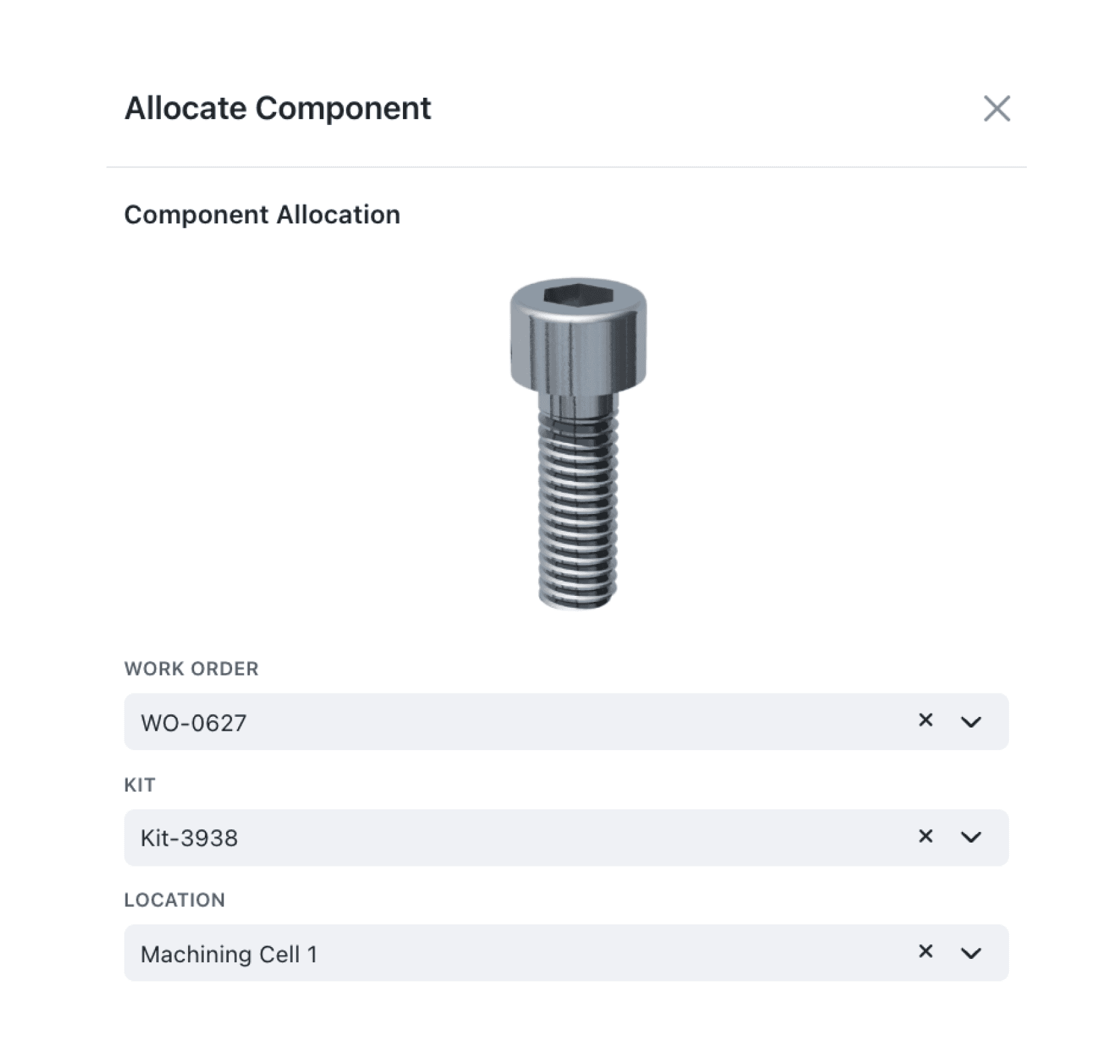
'Images speak a thousand words' - with our new Image display block you can add single pictures or an image carousel directly to any Kinabase form, giving every reviewer instant visual context.
Need to show a product photo, a site plan, or a signed document? Now you can pin those images beside the key fields, keep everything in one place, accelerating decision-making.
Why it matters:
- Add visual context – surface photos or diagrams right where people enter data.
- Speed up reviews – no more clicking through records or opening folders.
- Delight external users – Image blocks render perfectly in Portals, so clients see the same rich experience.
How it works:
- In Form Editor, under either your Main Body or Sidebar Items, click +Add › Image / Images.
- Give the block a Title and choose an Image Field from your Collection.
- Save your Form. Single-file Fields show one picture; Multi-file Fields appear as a swipeable carousel with previews.
- Publish or share your form. The images display in the Sidebar, Page body, and any Linked Portal.
When to use it:
- Quality assurance: The quality team attaches inspection photos to defect reports so that managers can review and validate issues.
- Property management: A property agent shares floor plans and room photos with tenants through a portal for viewing and confirmation.
- Marketing Management: The Manager can add a floor plan image against an event for approval by attendees.
Try it now in Kinabase → Forms → Edit a Form → Main Body / Sidebar Items → Add → Image / Images.
Have feedback? Email support@kinabase.com — we’re listening.