
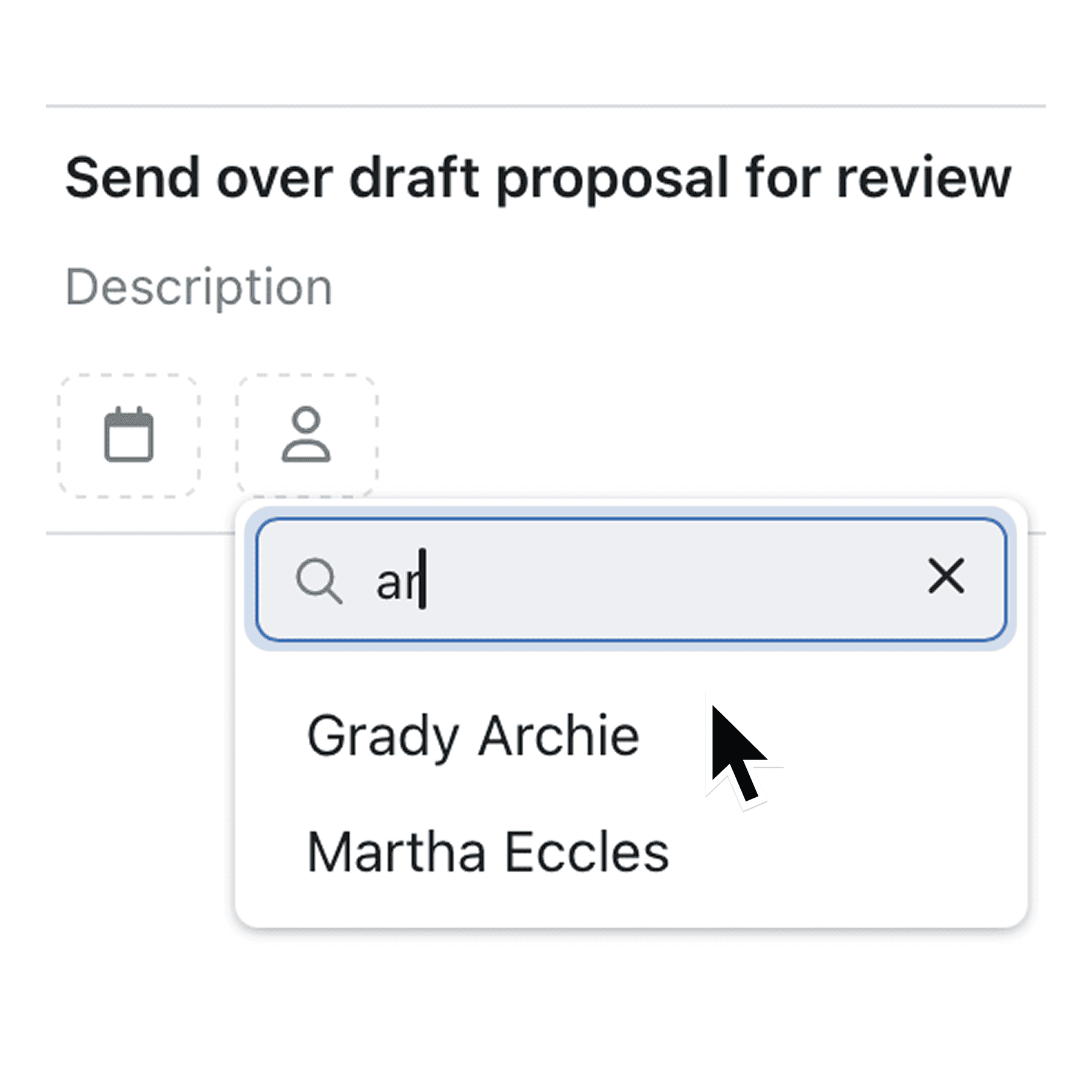
The Task assignee list is now searchable, letting you type-to-filter colleagues and assign work in a couple of keystrokes.
Stop scrolling through long colleague lists. Our new task assignee search lets you pinpoint the right teammate in a flash, so work moves faster.
Kinabase now adds a search field to the “Assign user” menu. Begin typing and the list instantly narrows to matching names, speeding up every hand-off.
Why it matters:
- Save time – Find the right person up to 4× faster than manual scrolling.
- Stay focused – Keep your hands on the keyboard and your mind on the work.
- Scale with ease – Large teams no longer slow you down as the list grows.
How it works:
- Open any Task and click Assign user.
- Start typing in the new “Search users…” bar.
- Hit Enter or click a name to confirm – we’ll clear the search when you click away.
When to use it:
• Project managers juggling dozens of assignees across multiple projects. • Team leads who routinely delegate ad-hoc jobs and need zero friction.
Try it now in Kinabase → Tasks. Have feedback? Email support@kinabase.com — we’re listening.