
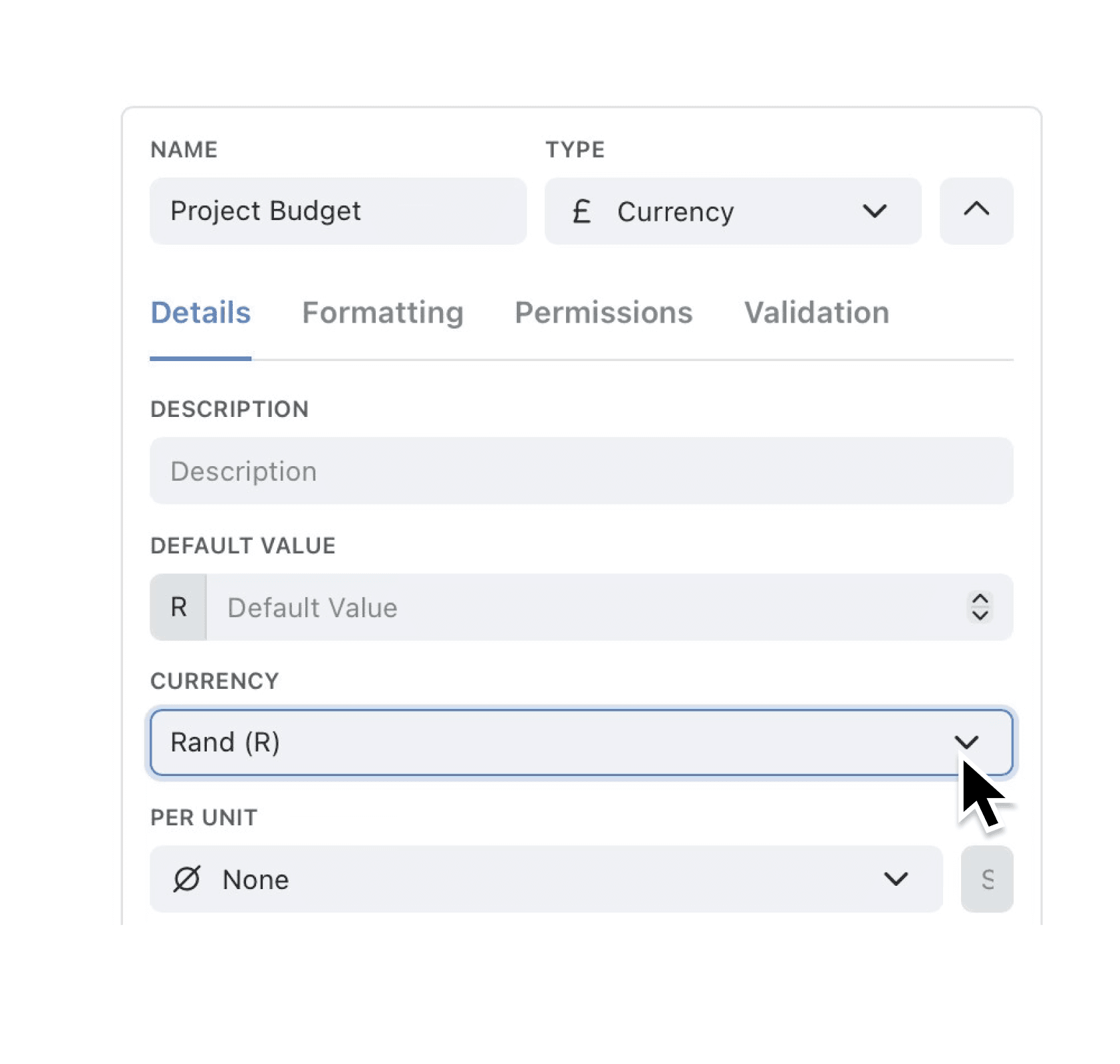
South-African organisations can now work natively in their own currency. Select South African Rand (R) in any currency field and Kinabase handles the rest — totals, automations and dashboards refresh instantly so you always see figures that make sense.
Whether you’re invoicing clients, approving purchase orders or rolling up regional sales, you no longer need separate numeric fields or fiddly spreadsheets. Everything stays in sync and conversions disappear from your to-do list.
Why it matters:
- Work in local currency – enter, store and display amounts in Rand everywhere in the platform.
- Speed up approvals – decision-makers view familiar figures, cutting mental conversions and sign-off time.
- Cleaner reporting – Dashboards and Reports aggregate Rand values without extra formulas, keeping insights trustworthy.
How it works:
- Edit or add a Field and choose Currency → Rand (R).
- Enter amounts as usual; Kinabase labels each value with "R" automatically.
- Build Views, Automations or Dashboards — totals and charts use Rand out of the box.
When to use it:
- Regional finance teams tracking budgets or expenses in South Africa.
- Global firms consolidating multi-currency data while keeping local collections in Rand.
- Sales team monitoring revenue performance and commissions in Rand.
Try it now in Kinabase → Collections → Fields → Currency → Rand (R).
If you would like to see support for other currencies, please let us know!
Have feedback? Email support@kinabase.com — we’re listening.