
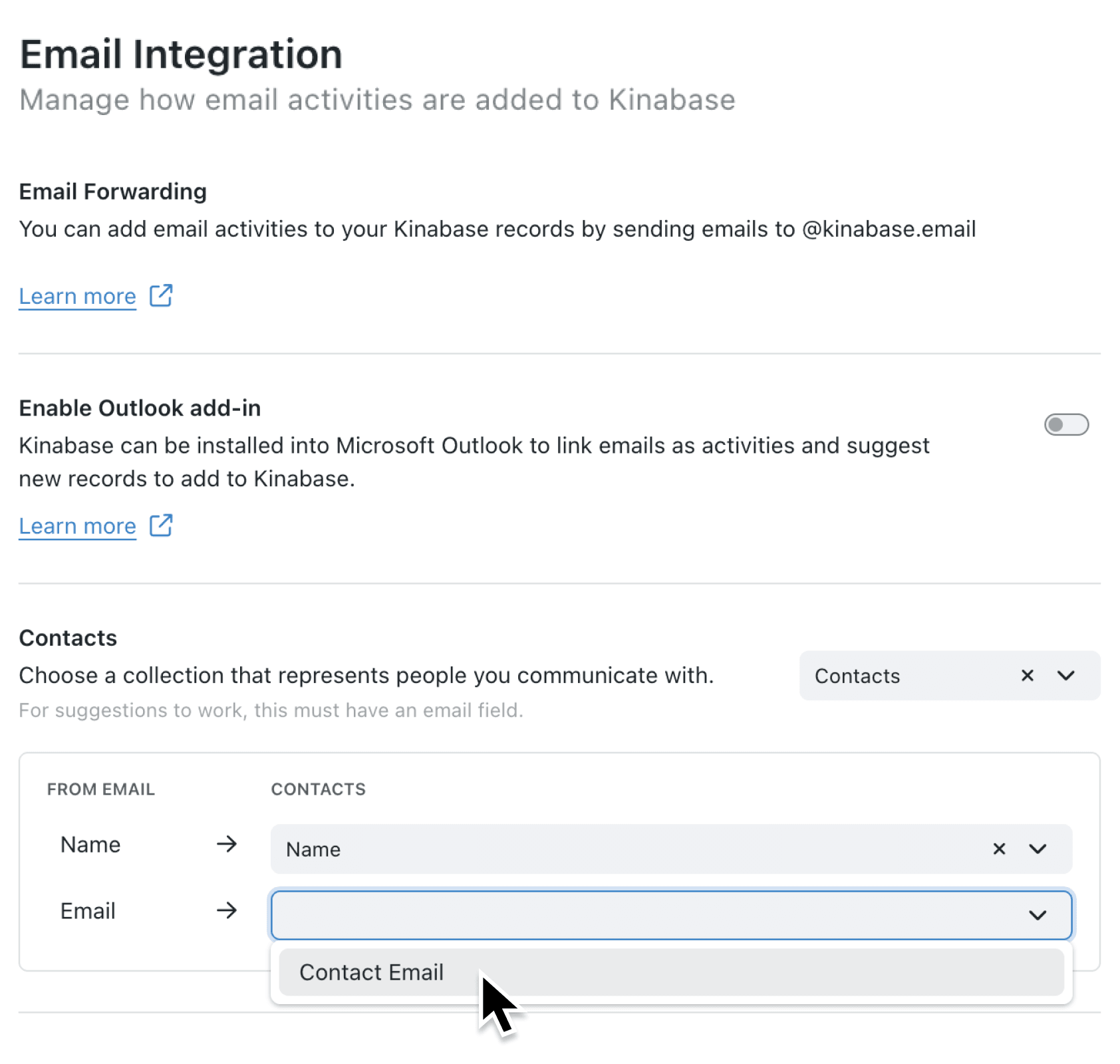
Businesses that work directly with consumers can now use email features without requiring an organisation - ideal for capturing business communications.
What's new:
Email forwarding and the Outlook add-in now work with a contacts-only configuration. When you set up the email integration, you can simply configure your Contacts collection and start using email features immediately. The Organisations section only appears after Contacts are set up, making it clear that company records are an optional enhancement rather than a requirement.
Why it matters:
- Streamlined configuration — The settings interface guides you through contacts first, then offers organisations as an optional second step
- Cleaner Outlook experience — When organisations aren't configured, the Outlook add-in shows only contact suggestions, avoiding empty or confusing sections
- Flexible for all business models — B2B businesses still get the full contacts-and-organisations workflow, while consumer-focused businesses get exactly what they need
How it works:
- Navigate to Settings > Integrations > Email Integration in your Kinabase workspace
- Configure your Contacts collection by selecting the collection, name field, and email field
- Click Save — the email integration is now active with contacts-only mode
- Optionally, configure the Organisations section if your business also tracks companies
- Enable the Outlook add-in toggle if you want your team to log emails directly from their inbox
Note: Administrator permissions are required to configure email integration settings.
When to use it:
- Retail operations managers can forward customer enquiry emails to Kinabase and have them automatically linked to contact records, building a complete communication history without needing to track company relationships
- Service businesses dealing with individual clients can use the Outlook add-in to log calls and emails against customer contacts, keeping all interactions in one place
- Healthcare administrators managing patient communications can link email correspondence to individual records without the complexity of organisation hierarchies
Get started
Ready to simplify your email management? Head to Settings > Integrations > Email Integration and configure your contacts collection today. The integration works the moment you save your contacts configuration.
If you have questions or feedback, we would love to hear from you. Email support@kinabase.com — we’re listening.