
When you run a "right-click" or manual automation, Kinabase normally shows a Preview Automation dialog where you review the steps before clicking Continue. For automations you run frequently and trust completely, that extra confirmation step can feel unnecessary.
What's New
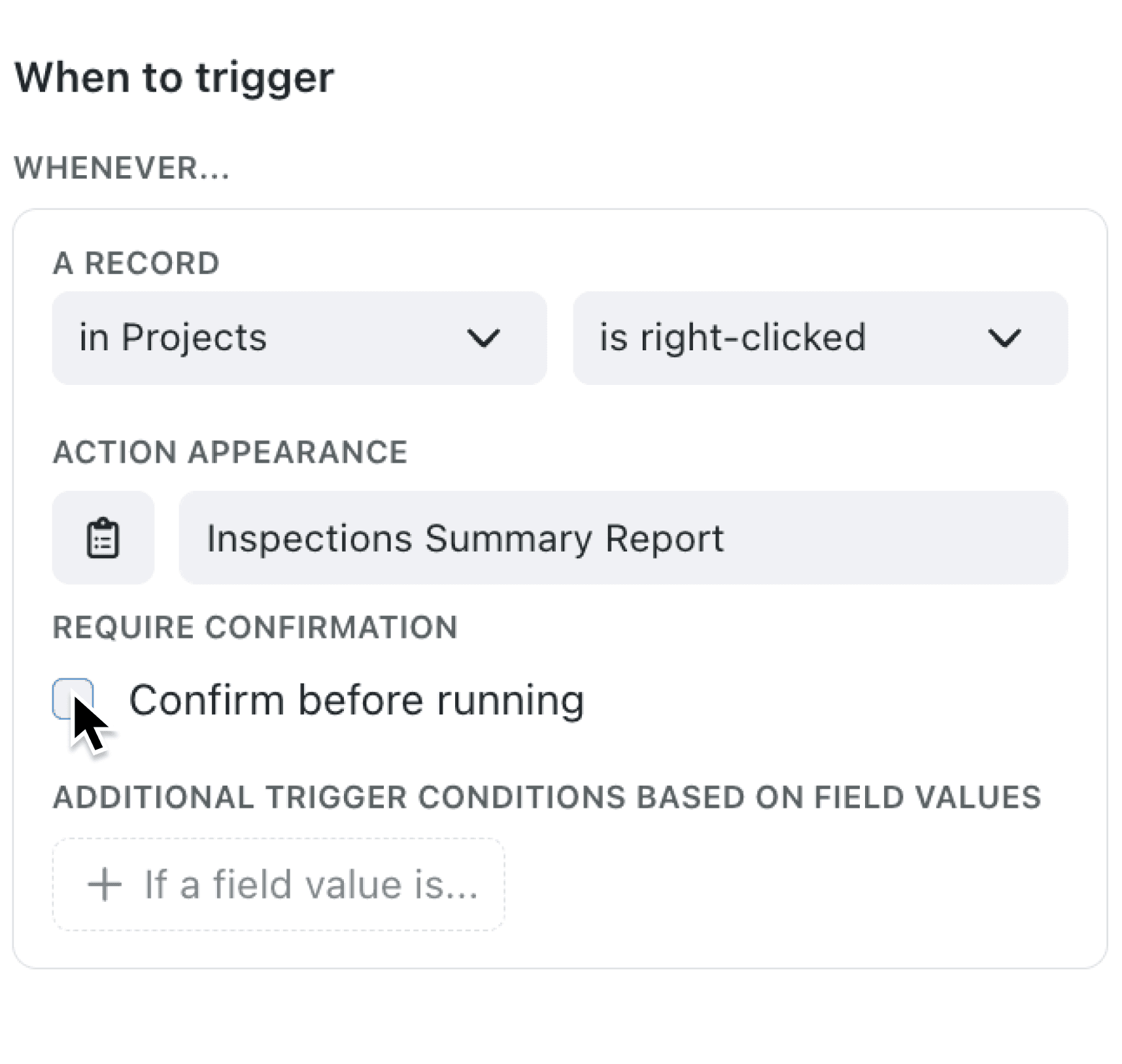
Right-click automations now have a Confirm before running checkbox in the trigger editor, under the Require Confirmation section. It is checked by default, meaning the Preview Automation dialog appears as before. Uncheck it, and the automation runs immediately when selected from the right-click menu.
Why it matters:
- Speed up repetitive actions by removing the confirmation step from automations you run dozens of times a day.
- Reduce clicks for trusted, well-tested automations that do not need a preview before executing.
- Keep confirmation where it counts since the setting defaults to requiring confirmation, so new automations remain safe by default.
How it works:
- Open the automation editor for your manual automation (trigger set to "is right-clicked").
- In the Require Confirmation section, find the Confirm before running checkbox.
- Uncheck the 'Confirm before running' checkbox to skip the Preview Automation dialog when running this automation.
- Save the automation.
- Give it a go - Right-click a record, select the automation, and it runs immediately without a confirmation dialog.
When to use it:
- Warehouse staff processing shipments can right-click and mark orders as dispatched instantly, without pausing to confirm each time.
- Support agents triaging tickets can run a "Assign to me" automation with a single right-click, cutting out the extra confirmation step on every ticket.
- Data administrators running bulk cleanup automations across records can skip the preview for well-tested routines they execute repeatedly.
Get started
Open any context menu automation and uncheck Confirm before running to enable instant execution. You can always re-enable confirmation later if needed.
If you have questions or feedback, we would love to hear from you. Email support@kinabase.com — we're listening.